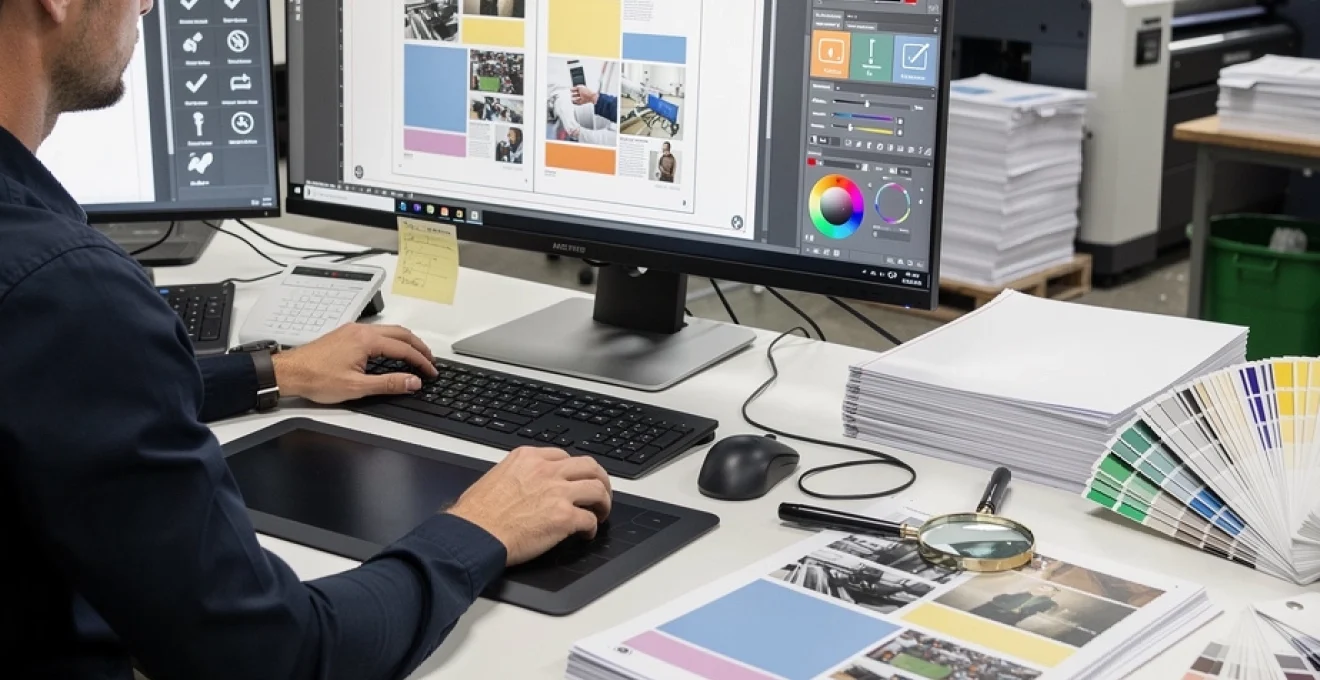
Professional printing disasters can devastate businesses overnight. When Transport for London pulped nearly half a million Underground maps due to a single zoning error, the incident highlighted a critical truth: even the most established organisations remain vulnerable to costly print mistakes. The financial and reputational damage from incorrect printing extends far beyond the immediate cost of materials, affecting deadlines, customer relationships, and brand credibility.
Print production errors plague the industry with alarming frequency. Research indicates that approximately 30% of commercial print runs require some form of correction or reprint, translating to millions of pounds in wasted resources annually. Modern print technology offers unprecedented quality and speed, yet human error in the proofing process continues to undermine these advances. The complexity of contemporary print workflows, involving multiple file formats, colour profiles, and finishing processes, creates numerous opportunities for mistakes to infiltrate the production chain.
Prevention remains more cost-effective than correction in every aspect of print production. Establishing robust proofing protocols protects businesses from expensive reprints while maintaining project timelines. The investment in proper proofing procedures typically represents less than 2% of total production costs, yet can prevent losses exceeding 300% of the original budget when major errors occur.
Digital proofing workflows: adobe acrobat pro DC and enfocus PitStop integration
Digital proofing workflows have revolutionised quality control in commercial printing, with Adobe Acrobat Pro DC serving as the industry standard for PDF validation and review processes. The software’s advanced preflight capabilities enable comprehensive file analysis before production begins, identifying potential issues that could compromise print quality or halt press operations entirely.
Integration between Adobe Acrobat Pro DC and Enfocus PitStop Pro creates a powerful ecosystem for automated quality assurance. This combination allows print professionals to establish custom preflight profiles that automatically check for industry-standard compliance while flagging potential production hazards. The workflow typically processes files through multiple validation stages, ensuring every aspect meets specification requirements before approval.
PDF/X-4 preflight validation and CMYK colour space verification
PDF/X-4 standards represent the current benchmark for print-ready file preparation, supporting transparency effects and live transparency blending modes while maintaining colour consistency across different output devices. Preflight validation against PDF/X-4 specifications ensures files contain all necessary elements for successful reproduction, including proper colour space definitions and embedded fonts.
CMYK colour space verification becomes critical when converting RGB designs for commercial printing. Colour gamut mapping during this process can significantly alter the intended appearance, particularly for vibrant colours that fall outside the CMYK gamut. Advanced preflight profiles can simulate this conversion, allowing designers to preview potential colour shifts before committing to production.
Bleed and trim mark assessment using industry standards
Proper bleed configuration prevents unsightly white edges when trimming printed materials, requiring precise measurement and positioning according to industry standards. Most commercial applications require a minimum 3mm bleed extension beyond the final trim size, though complex finishing processes may demand larger bleed areas to accommodate production tolerances.
Trim mark positioning follows strict guidelines to ensure accurate cutting without interfering with the printed design. Professional preflight profiles automatically verify trim mark placement, confirming they appear at the correct distance from the trim edge and maintain proper registration across all colour separations.
Font embedding protocols and OpenType feature compatibility
Font embedding failures represent one of the most common causes of print production delays, particularly when files move between different operating systems or software versions. Complete font subset embedding ensures all character information remains intact throughout the production workflow, preventing unexpected font substitutions that can alter text appearance and layout.
OpenType feature compatibility varies significantly across different RIP (Raster Image Processor) systems and output devices. Advanced typography features such as ligatures, alternate characters, and contextual substitutions may not render correctly on older production equipment, requiring careful validation during the proofing stage.
Resolution analysis for raster images and vector graphics
Image resolution requirements depend on the intended printing method and final viewing distance. Offset lithography typically requires 300 DPI resolution for optimal quality, while large-format applications may achieve acceptable results at lower resolutions due
to the increased viewing distance. Preflight tools in Adobe Acrobat Pro DC and Enfocus PitStop can automatically flag images that fall below minimum resolution thresholds, preventing soft, pixelated output on critical brand assets such as logos or product imagery.
Vector graphics, by contrast, remain resolution-independent but still require scrutiny during the proofing stage. Incorrect stroke scaling, expanded effects, or improperly outlined type can cause unexpected artefacts on press. Automated checks for raster and vector content provide a dual safeguard, ensuring that every visual element in your print-ready PDF maintains the necessary clarity and fidelity when reproduced at full size.
Print production cost analysis: material waste and reprint economics
Beyond aesthetics, rigorous proofing directly influences print production cost analysis by reducing material waste and reprint expenditure. Every misprinted sheet represents not only the cost of paper and ink, but also machine time, labour, and missed opportunity on the press schedule. Industry estimates suggest that avoidable reprints can increase total job costs by 15–40%, particularly on long runs or premium substrates.
When you quantify print mistakes in terms of wasted pallets, overtime shifts, and delayed delivery dates, the economics of careful proofing become indisputable. Understanding how errors translate into tangible costs empowers marketing teams and print buyers to justify more robust preflight and approval procedures. In practice, a small investment in digital proofing workflows can prevent thousands of pounds in unusable stock and emergency re-runs.
Substrate cost impact: coated vs uncoated paper stock calculations
Paper often accounts for 30–60% of a print job’s unit cost, so substrate selection has a major impact when errors force a reprint. Coated stocks, specialty textured papers, and recycled or FSC-certified substrates carry higher price tags, meaning that even a modest mistake can translate into substantial financial loss. When a 10,000-copy brochure run on premium coated paper fails due to a simple layout issue, the paper alone can represent several thousand pounds in wasted materials.
By contrast, uncoated or lightweight stocks, while more economical, still generate significant cumulative waste over large volumes. Building substrate cost scenarios into your print production cost analysis helps decision-makers understand the financial risk profile of each job. When you are printing on high-value paper, an additional hard proof or a wet proof on the actual stock becomes an inexpensive insurance policy against a full reprint.
Ink coverage optimisation and PMS colour matching expenses
Ink consumption is another critical component in calculating reprint economics, especially on designs with heavy coverage or large solid areas. High total area coverage (TAC) not only consumes more ink but can also cause drying issues, set-off, or marking on press, leading to spoiled sheets. Preflight tools can analyse ink density across the layout, allowing you to optimise coverage before you hit the press and reduce the likelihood of quality-related reprints.
Pantone Matching System (PMS) colours introduce additional cost considerations. Each spot colour typically requires a dedicated ink, wash-up, and press setup, increasing both material and labour costs. If a client later rejects the print due to inaccurate brand colour reproduction, the expense of re-running a job with multiple PMS colours can be considerable. Accurate colour proofing, backed by clear colour expectation management, significantly reduces the risk of expensive PMS-related reprints.
Production time loss: setup delays and press downtime analysis
Every minute of press downtime has a quantifiable cost, particularly in busy production environments where schedules are tightly packed. When files arrive on press with unresolved issues—missing fonts, incorrect page sizes, or misaligned folds—the press operator must halt setup, return the job to prepress, and wait for corrected files. These stop-start cycles compound across multiple jobs, resulting in lost production capacity and increased overtime requirements.
Analysing your print production schedule through the lens of setup delays reveals just how disruptive poor proofing can be. A single 30-minute delay may appear minor in isolation, but repeated across a week of multi-shift operations, it can equate to several full production runs lost. By tightening digital proofing workflows and catching errors earlier, you protect valuable press time and ensure that your most profitable jobs are not pushed aside by preventable corrections.
Post-press finishing corrections: binding, lamination, and die-cutting rework
Many of the most expensive mistakes only become visible in the post-press stage, when binding, lamination, or die-cutting exposes layout or structural errors. Incorrect spine widths can cause text to disappear into the gutter of perfect-bound books, while misaligned die lines may trim away key content on packaging or shaped cards. At this point, large batches of printed sheets may already have been processed, multiplying the cost of any correction.
Finishing corrections often require both partial reprint and full rework of the affected components—double-cost scenarios that can decimate project margins. Incorporating finishing specifications into your proofing checklist, including fold panels, binding allowances, and die positions, minimises the chance of such late-stage surprises. Where complex finishing is involved, a hard proof or mock-up remains one of the most effective ways to validate structural integrity before committing to volume production.
Colour management systems: ICC profiles and press calibration protocols
Consistent colour is non-negotiable for brand-conscious organisations, and colour management systems form the backbone of predictable print reproduction. ICC profiles describe how specific devices—monitors, proofers, and presses—render colour, enabling accurate translation from design to final print. Without properly configured profiles, what you see on screen can diverge dramatically from what appears on paper.
Effective colour management begins with calibrated monitors and continues through to proofers and production presses, all synchronised under a coherent ICC strategy. You might ask, why invest so heavily in calibration? The answer is simple: unmanaged colour increases the risk of rejected print runs, especially when corporate brand colours must remain exact across multiple campaigns and substrates. A robust colour workflow reduces subjective debates about “wrong” colours by grounding approvals in measurable, device-independent standards.
Press calibration protocols, typically implemented through spectrophotometric measurements, ensure that each press consistently reproduces colour according to industry standards such as ISO 12647. Regular calibration compensates for variables like ink batch differences, paper whiteness, and mechanical wear. Think of it as tuning a musical instrument before every performance; without this step, even the best-designed score will sound off-key.
Soft proofing using calibrated monitors and ICC profiles allows you to anticipate how colours will appear in print and adjust files accordingly. For mission-critical jobs, contract proofs produced on colour-managed proofers provide a legally recognised reference against which the final print run can be judged. When clients and printers agree on a shared colour target at the proofing stage, the likelihood of disputes and costly colour-related reprints drops dramatically.
Typography error detection: kerning, leading, and character encoding issues
While obvious spelling mistakes often draw attention, subtler typographic issues can erode readability and brand professionalism just as quickly. Kerning—the spacing between individual letter pairs—and leading—the vertical space between lines—both influence how comfortable a piece is to read. Poorly adjusted kerning can create awkward letter gaps or unintentional word shapes, while inconsistent leading may cause dense, fatiguing text blocks that readers simply skip.
During the proofing stage, zooming in to inspect headlines and key calls to action often reveals kerning inconsistencies that automated settings have missed. Treat this like fine-tuning the alignment on a high-precision machine; minor adjustments can yield a significant improvement in visual harmony. Many design applications also offer optical kerning options, but these still require human judgement in high-visibility typographic treatments such as logotypes and cover titles.
Character encoding issues present a different challenge, particularly in multilingual documents or those using special symbols, accented characters, or non-Latin scripts. If fonts are not fully embedded or if incompatible encodings are used, characters may substitute or disappear entirely when the file reaches the RIP. This is especially common with ligatures, smart quotes, and special currency symbols, which may look correct on screen but fail when processed by older workflows.
To mitigate these risks, enforce a proofing protocol that includes checking PDFs on different systems and, where possible, outputting a test proof from the same RIP that will be used in production. Running automated preflight checks for missing glyphs, unsupported encodings, and non-embedded fonts helps you catch problems early. Ultimately, accurate typography proofing is not just about aesthetics; it also safeguards legibility, legal information, and brand voice across every printed piece.
Production timeline management: critical path method for print schedules
Even the most technically perfect print job can fail if it misses a critical deadline. This is where structured project planning, particularly the Critical Path Method (CPM), becomes invaluable for managing complex print schedules. By mapping every task in the production chain—from initial design and proofing through to printing, finishing, and delivery—you can identify which activities directly determine the final completion date.
The critical path represents the longest sequence of dependent tasks; any delay in these activities will automatically delay the overall project. In print production, proofing stages often sit squarely on this critical path, meaning slow approvals or repeated corrections can quickly consume your buffer time. By visualising these dependencies, you can allocate adequate time for thorough proof reviews without jeopardising launch dates.
How can you make this practical in day-to-day print management? Start by breaking your workflow into discrete, time-estimated steps: file preparation, internal proofing, client approval, prepress setup, press time, finishing, and logistics. Assign responsible stakeholders and define clear handover milestones. This approach transforms proofing from an ad-hoc sign-off into a scheduled, non-negotiable phase with well-communicated deadlines.
Building contingency time into the critical path for at least one additional proofing cycle can dramatically reduce stress when last-minute changes arise. Just as engineers design safety margins into physical structures, print managers should design time margins into production calendars. When everyone involved understands how their responsiveness affects the critical path, you create a culture in which thorough proofing and on-time delivery can coexist rather than compete.